RGBIC LED Lighting for Home — How to Buy Right and Look Premium
RGBIC LED buying guide — RGB vs RGBIC, the 2.4GHz WiFi catch, and installation tips
1. RGB vs RGBIC — the difference
RGB shows one color across the whole strip. RGBIC (like Govee) gives each segment independent color — enabling gradients, chase effects, and multi-color patterns that transform a room's mood instantly
2. The WiFi catch
Budget smart LEDs mostly run on 2.4GHz WiFi only. If your router is 5GHz-only, you need to switch bands or buy a dual-band model. Check before buying
3. Installation that lasts
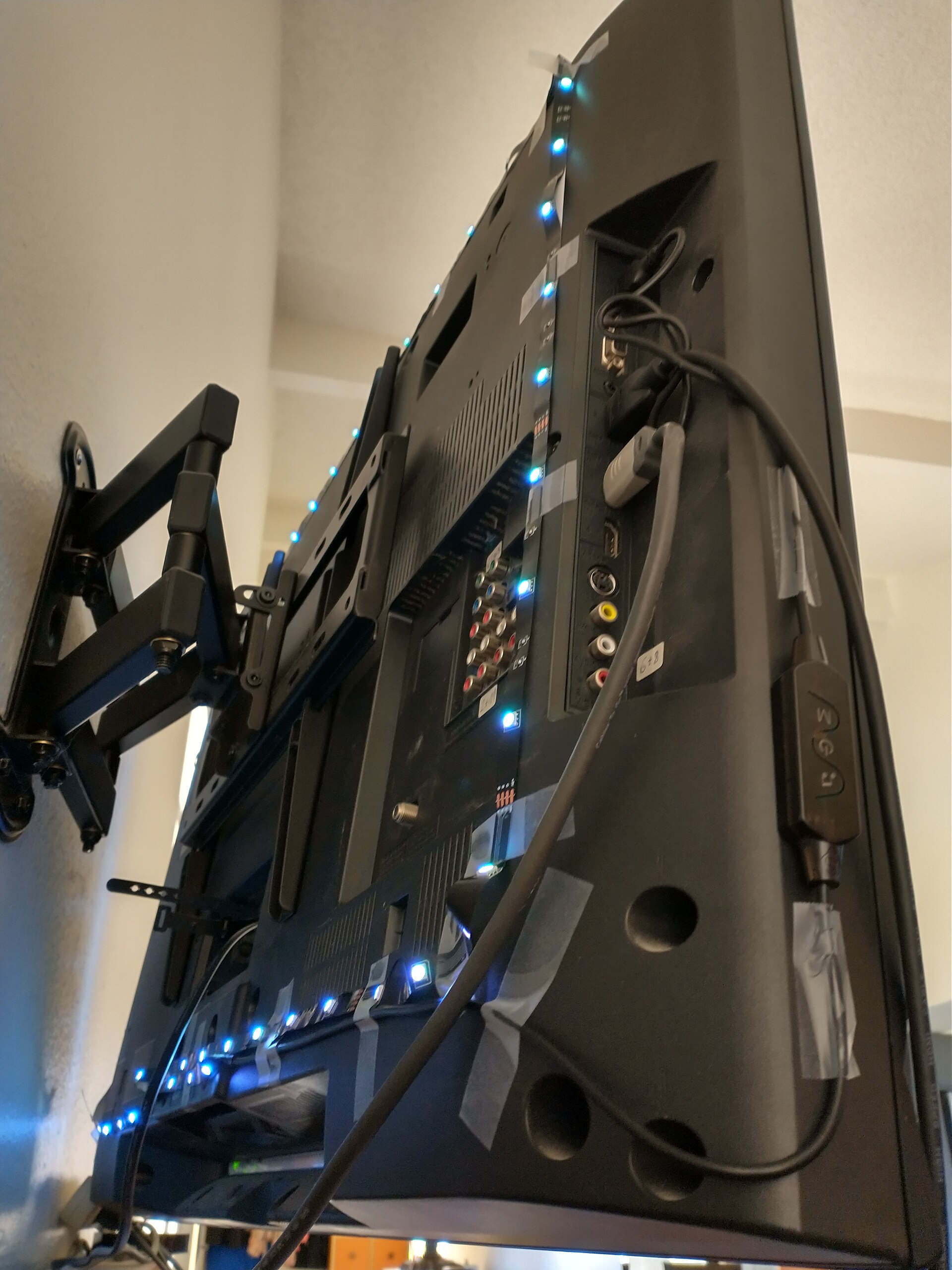
3M adhesive works on smooth walls, but for bedrooms and sofas where the strip gets touched, add mounting clips or a channel — repeated removal makes adhesive fail. Plan the route before sticking
4. Looking premium on a budget
A 1,800-2,600 THB LED strip does more for a room's look than an accent wall or tile. Best value upgrade — mount behind the TV for bias lighting that reduces eye strain at night
Takeaway: Best-value room upgrade — RGBIC gives gradients RGB can't. Check 2.4GHz WiFi support first, and use clips if the strip gets touched often
Compare Lighting & Decor for your home
Browse top-rated options on Amazon — compare prices, specs, and verified buyer reviews
Source: Specs from Govee official; installation tips from Amazon user reviews